Extensions tutorial: max length
This tutorial builds an extension that enforces a maximum length on the content of the editor. It counts the length of the plain text rather than the raw content, so the limit matches what users perceive as the amount of text they have entered.
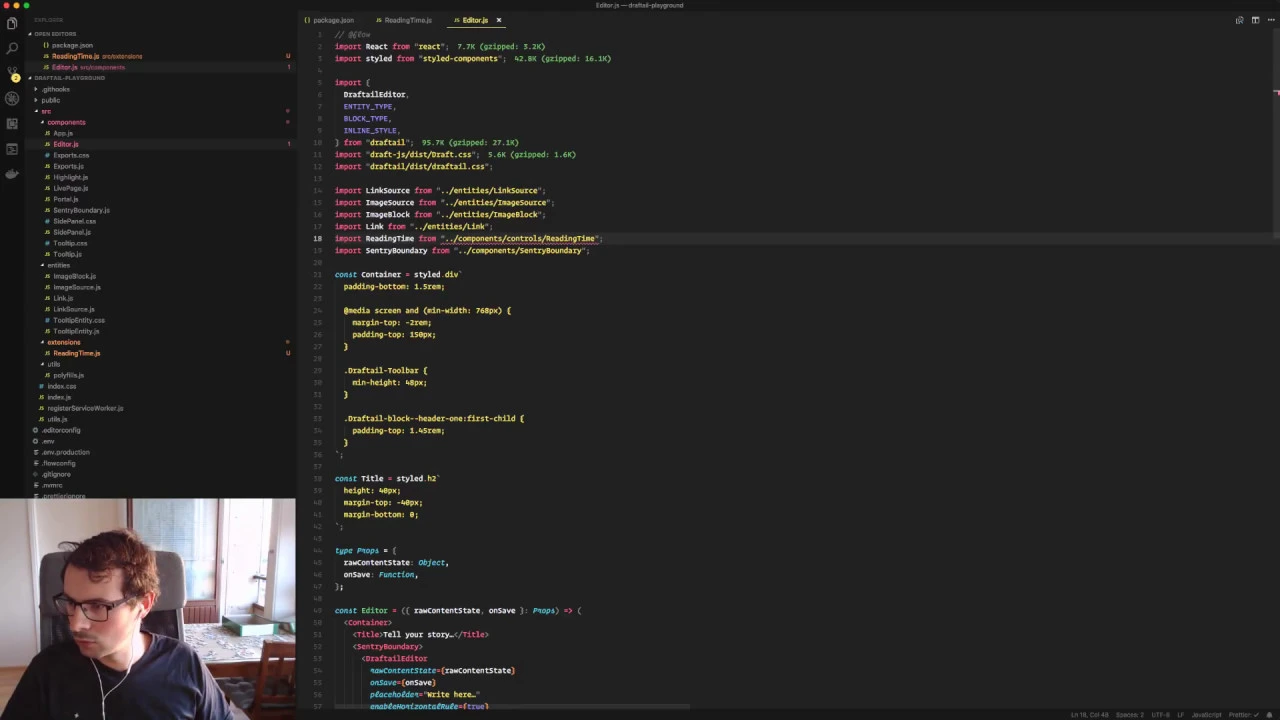
The full walkthrough is available as a video:
When to use this
Use a max-length extension when a field has a hard character limit, for example a heading, a summary, or a social media post. It is a good first extension to write because it only needs a single plugin hook and no custom UI.
How it works
Draftail supports plugins following the Draft.js Plugins architecture. That architecture exposes an onChange hook, called with the new EditorState at the latest moment before the editor’s own change handler fires. Returning a different state from that hook replaces the change, which is what lets us reject edits that would exceed the limit.
The hook receives the editor state and an object of plugin helpers:
const createMaxLengthPlugin = (maxLength) => ({
  onChange(editorState, { getEditorState }) {
    const length = editorState.getCurrentContent().getPlainText().length

    // Reject the change by returning the previous state unchanged.
    if (length > maxLength) {
      return getEditorState()
    }

    return editorState
  },
})
The plugin is then passed to the editor, alongside any others:
const editor = <DraftailEditor plugins={[createMaxLengthPlugin(280)]} />
Counting getPlainText() means formatting, links, and other entities do not count towards the limit, only the text a user sees. The same pattern applies to any validation rule you want to enforce at edit time, rather than after the fact on save. See Form validation for validation performed on submit instead.
Next step: linkify
Once you are comfortable with the plugin API, the linkify tutorial shows a slightly more advanced example, reacting to pasted text to turn URLs into links.